2.7 Send Attendance
Attendance procedure
Course screen
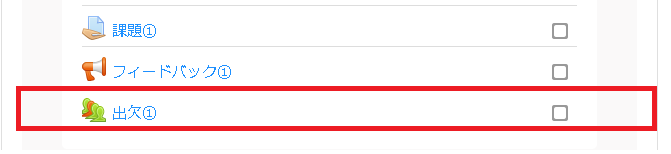
1.Select the attendance to record.
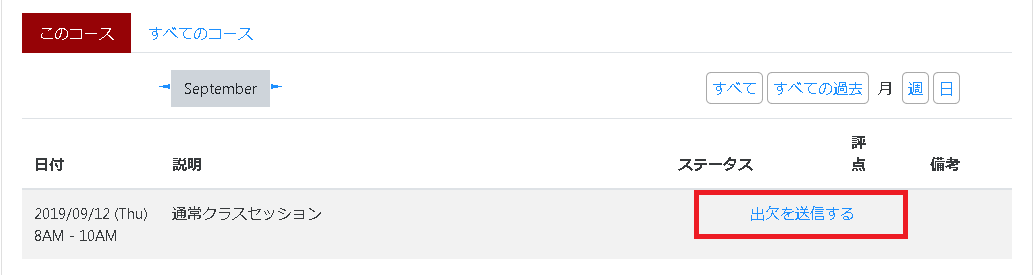
2.Click “Submit attendance.”
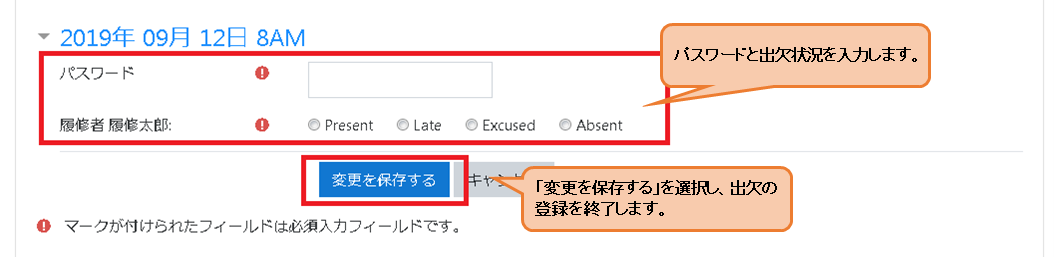
3.Record the attendance.
*If your attendance status shows as “?” even though you have registered your attendance, the instructor’s settings may be incorrect. Please consult the instructor in charge.
(For example, this may occur if, instead of creating a single attendance item within the course and creating a section for each class within that item, the instructor has created separate attendance items for each section and set the system to display only some of them.)

